

1
Open Spaces
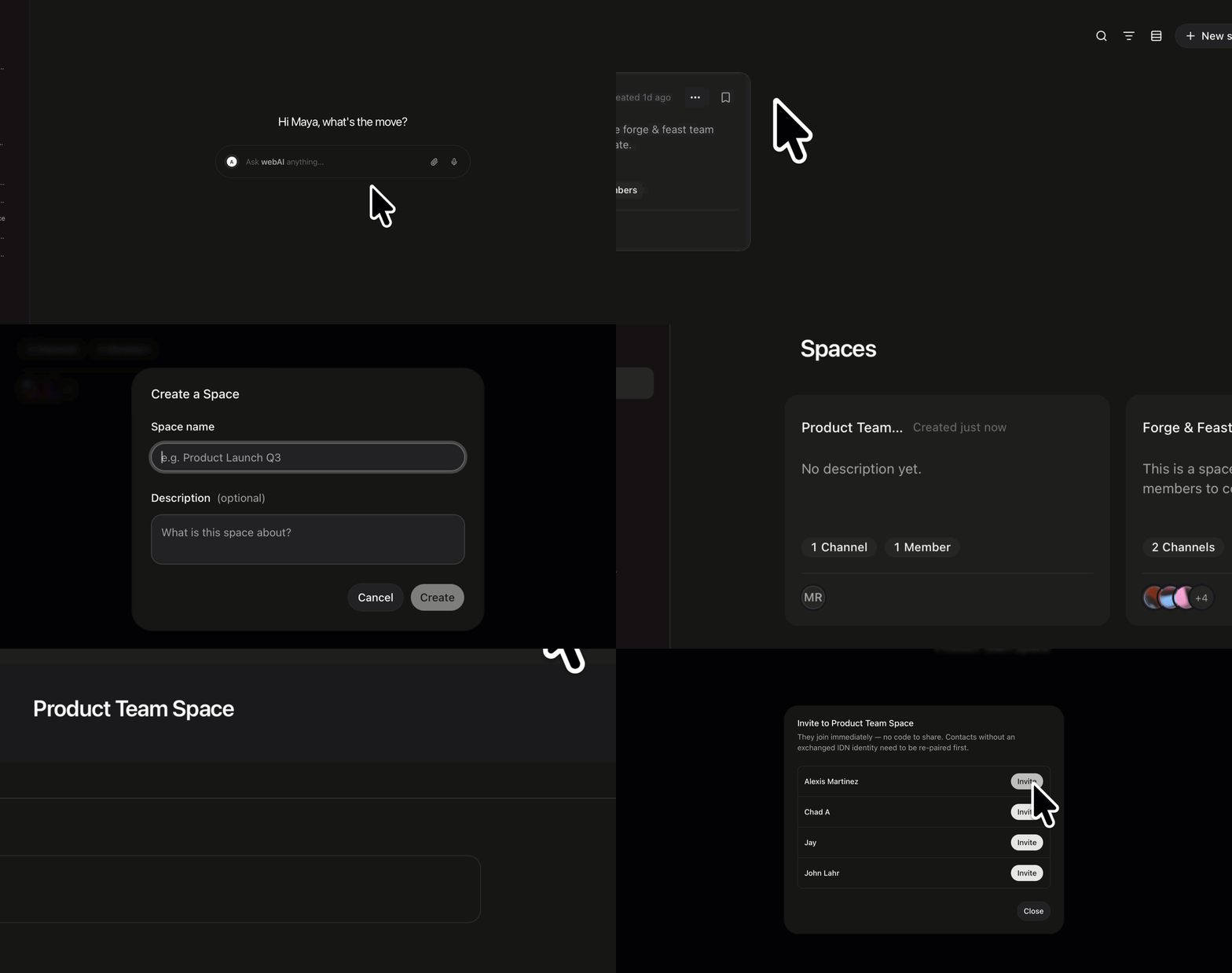
Click Spaces in the left sidebar.
2
Name it
Click New space. Give it a Space name. Create stays off until the name has text. Description is optional.
3
Create it and open it
Click Create. Click the new Space on the list.
4
Invite someone
Click Share in the title bar. Under Add people, add a contact. They join the Space.
An Admin can invite people from Share. If Add people is empty, add someone in Contacts, then come back.