

1
Select a Persona or open Home
Click Personas and click a Persona, or click Home in the left sidebar.
2
Ask for a Hello, World HTML file
Send
Write a short Hello, World HTML file. Wait until the reply finishes. The HTML block, Open in sidebar, and Open in Browser preview the file. They do not add it to Artifacts.3
Show the dynamic doc
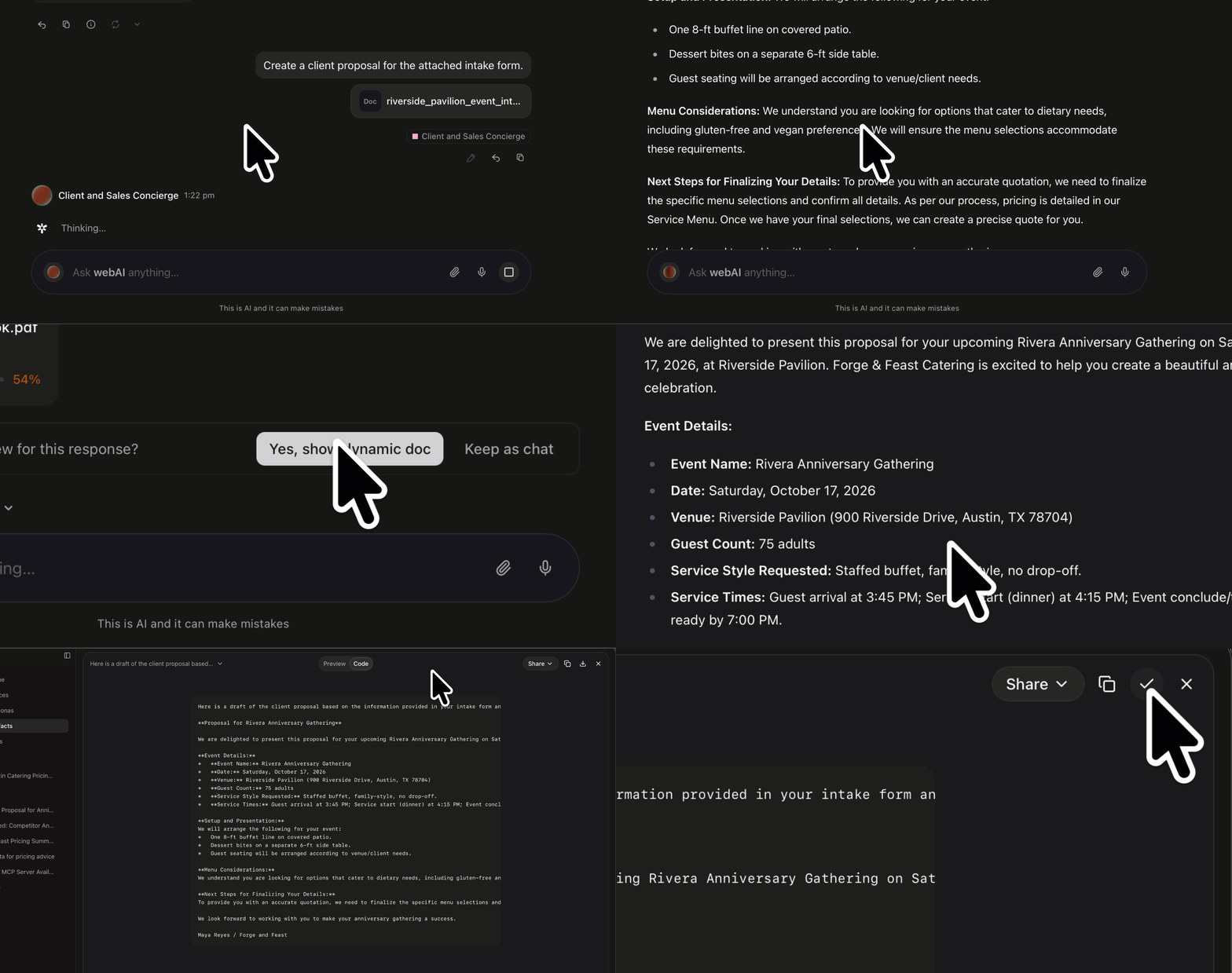
Under the reply, click Yes, show dynamic doc. The reply becomes a preview.
Keep as chat leaves the reply as chat. It does not create an Artifact.
4
Open it in Artifacts
On that preview, click Open in Artifacts. The document is listed under that chat.