

1
Open Skills
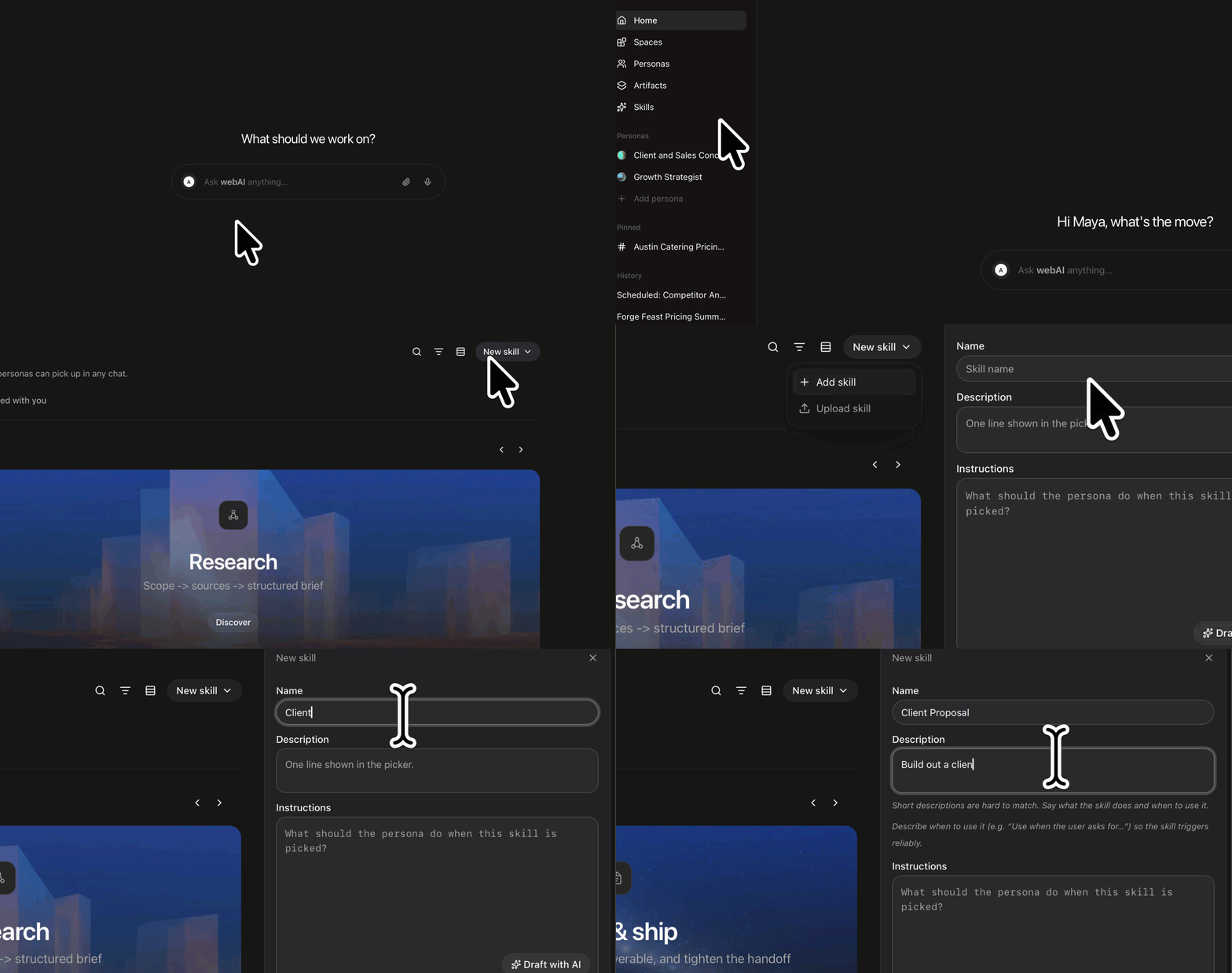
Click Personas in the left sidebar, then click Skills.
2
Start a new skill
Click New skill, then + Add skill. The New skill panel opens beside the list.
3
Name it
Give it a Name. You need a name before Create skill will take the click. Description is the line you see when you pick it. Instructions are what it does.
4
Create it and use it
Click Create skill. The skill opens. Open Chat, type
/, and choose the new skill. Send the prompt. The skill shapes that reply. You can also open its options and click Start a chat.