

1
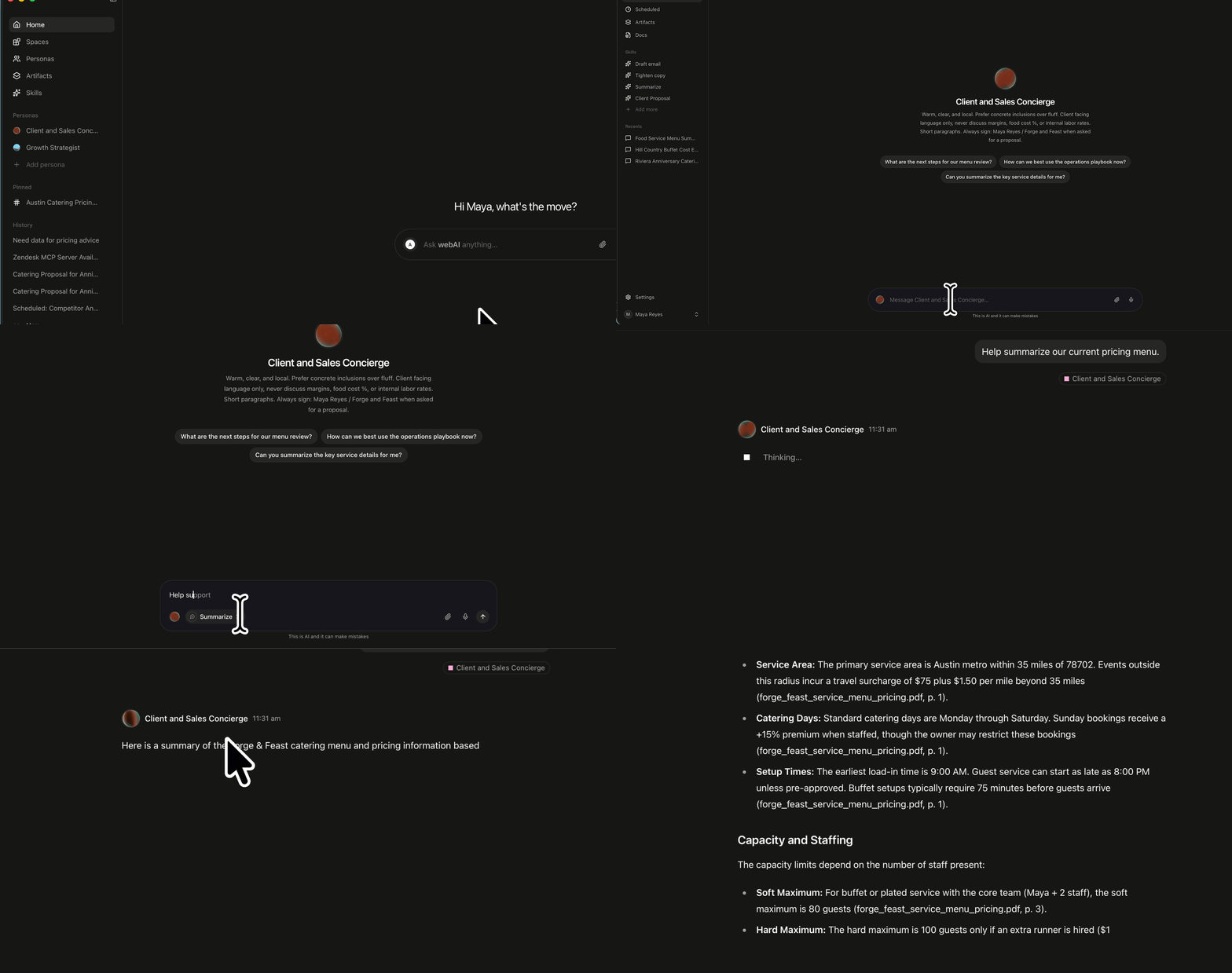
Open Personas
Click Personas in the left sidebar, or type
@ on the Home page and pick a Persona.2
Open a Persona
Click the Persona you want. A chat opens with that Persona.
3
Send a prompt
Type what you want. It does not have to be a question. Click the send icon.
4
Use the reply
The reply writes into the thread. Copy copies the finished reply.